Sightseeing Tour Booking for Every Departure
Manage recurring schedules, direct reservations, capacity, guide and driver assignments, passenger lists, and check-in without rebuilding the roster.
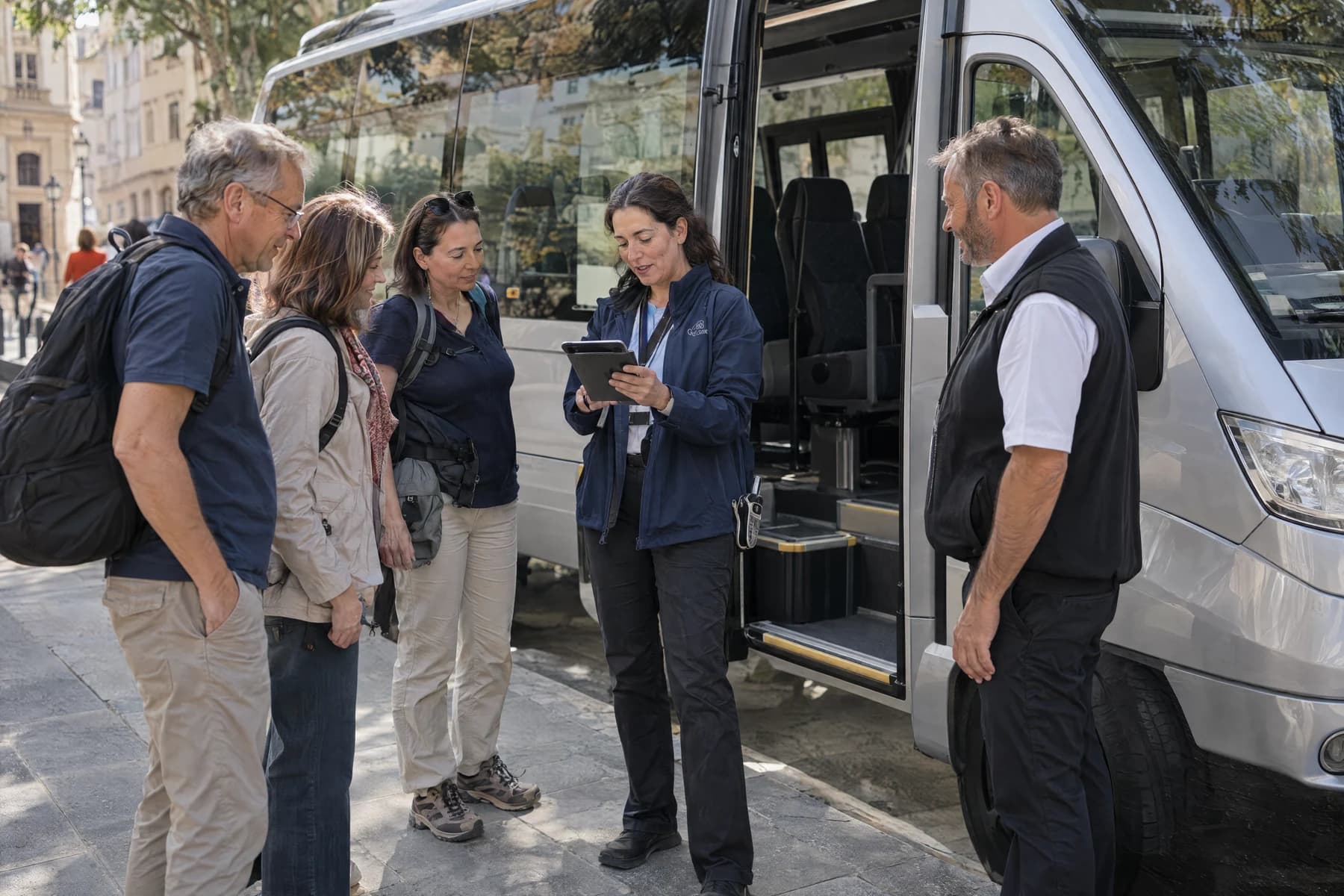
Is TourSyncer a fit?
Sightseeing Tour Booking Software: TourSyncer helps sightseeing operators publish recurring departures, sell available seats, assign guides and drivers, create passenger manifests, and manage arrival check-in.
Best for: Bus and van sightseeing excursions, Hop-on guided departures sold by schedule, Scenic day tours, Private sightseeing groups.
Fit boundary: TourSyncer manages scheduled passenger capacity and staff assignments. It is not a seat-map, vehicle-maintenance, live GPS, or route-dispatch system.
The Challenge: Every departure needs the current passenger list
Reservations can arrive online, by phone, or at the desk. A current schedule keeps capacity, assigned staff, payment status, and passenger names aligned.
A practical workflow
How TourSyncer fits sightseeing & scheduled excursions
- 1
Set recurring departures
Create dates, days of operation, start times, prices, and maximum passenger capacity.
- 2
Take reservations from every desk
Keep direct online and staff-created manual bookings in the same schedule and customer records.
- 3
Prepare each departure
Assign the guide or driver, review the manifest, and check guests in from a mobile-friendly screen.
Reconcile one sightseeing departure before boarding
Use a repeat departure that receives both direct online sales and staff-entered reservations. The test is whether the desk and operating team can find the same passengers, payment records, and assigned staff before boarding starts.
Grow Your Revenue
Publish recurring sightseeing schedules and accept direct reservations around the clock.
Run With High Efficiency
Connect the departure, passenger capacity, assigned team, payment status, manifest, and check-in.
Save Time & Money
TourSyncer takes no percentage of direct booking revenue processed through your own Stripe connection.
Try it with your own workflow
Online, phone, and front-desk reservations reach the departure team through separate lists.
- 1Create recurring departure times, prices, passenger limits, and the dates when you will not operate.
- 2Add one direct booking and one manual desk reservation to the same departure; review the passenger and payment records.
- 3Assign the guide and driver, open the manifest, and check in the passengers from a phone browser.
Check the fit: Is scheduled passenger capacity sufficient for your sales model? If you require numbered seats, live GPS, or vehicle dispatch, verify those needs with a specialist system.
Walk through this in a demoThe Operational Shift
See how automating your travel operations eliminates daily bottlenecks.
The Old Way (Manual Chaos)
Combining separate web, phone, hotel-desk, and walk-up lists before every sightseeing departure.
The TourSyncer Way
All reservations feed a capacity-controlled departure with its staff assignment, manifest, and check-in status.
Specialized Product Capabilities
TourSyncer capabilities that fit Sightseeing & Scheduled Excursions
Publish repeat sightseeing times with dates, day-of-week rules, capacity, and blackout dates.
Keep staff-created reservations and direct online sales in the same schedule.
Create the departure list from current booking data and record arrivals.
Frequently Asked Questions
Can TourSyncer manage recurring sightseeing departures?
Yes. Operators can configure recurring schedules and blackout dates, set capacity, receive bookings, and manage the passenger and staff records attached to each departure.
Can hotel or front-desk staff enter a manual booking?
Authorized staff can create and manage manual reservations so phone, desk, and direct online bookings can share the same operational records.
Does TourSyncer include GPS fleet tracking?
No live GPS, vehicle-maintenance, or route-dispatch capability is established. TourSyncer focuses on schedules, bookings, customers, staff assignments, manifests, check-in, payments, and reporting.
Related industry workflows
See how similar experience businesses use TourSyncer
Fishing Charter Booking Software
Best for Private fishing charters and Shared scheduled fishing trips.
Explore this use caseKayak Tour Booking Software
Best for Guided kayak tours and Sunrise, sunset, and wildlife paddles.
Explore this use caseTour Guide Booking & Schedule Software
Best for Independent local guides and Walking and history tour teams.
Explore this use caseReady to upgrade your Sightseeing & Scheduled Excursions operations?
Start with the workflow you need now, then connect bookings, customers, groups, staff, payments, manifests, and reporting as your operation grows. TourSyncer takes 0% booking commission; standard Stripe processing fees may apply.